Package Type Master
The Package Type Master page allows you to view, create, edit, import, and delete package types. Each article is linked to exactly one package type, which defines its physical dimensions and packaging format.
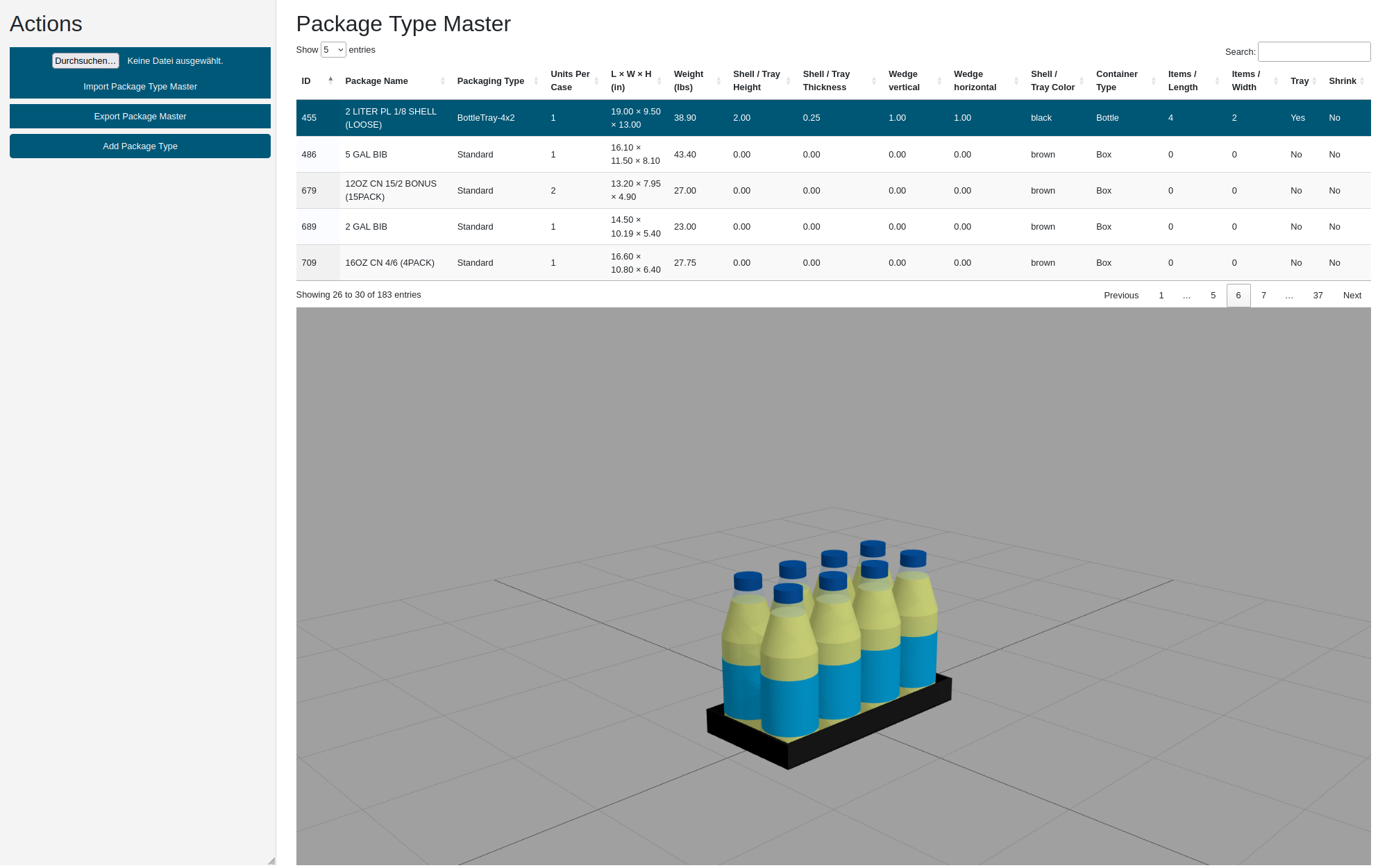
The core parameters of a package type are:
| Parameter | Description |
|---|---|
| Package ID | Unique identifier |
| Package Name | Name of the package type |
| Packaging Type | Free-text label describing the packaging format (e.g. "Shrink", "Tray") |
| Units Per Case | Number of physical units that correspond to one ordered case quantity |
| Length | Unit length in inches |
| Width | Unit width in inches |
| Height | Unit height in inches |
| Weight | Unit weight in lbs |
| Container Type | Visual appearance: Box, Bottle, or Can |
| Items / Length | Number of bottles or cans along the longer side of the package |
| Items / Width | Number of bottles or cans along the shorter side of the package |
| Tray | Flag: whether the packaging has a tray |
| Shrink | Flag: whether the packaging has shrink wrap |
| Shell or tray height | Height of shell or tray in inches (visualisation only) |
| Shell or tray thickness | Thickness of shell or tray in inches (visualisation only) |
| Wedge vertical | Vertical reduction of unit height for bottle/can packaging (visualisation only) |
| Wedge horizontal | Horizontal reduction of footprint for bottle/can packaging (visualisation only) |
| Shell or tray color | Color used for visualisation |
The following table shows examples of the available package type visualisations:
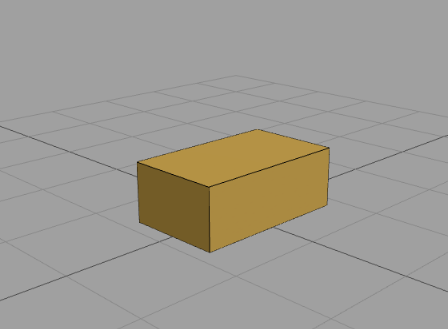 Package Type Standard (Box) |
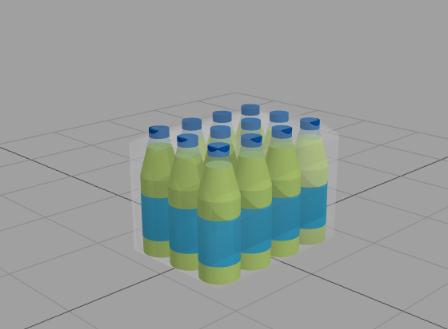 Package Type Bottle Shrink |
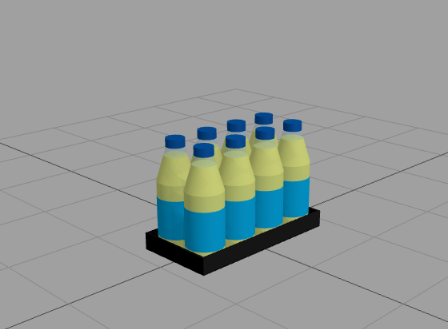 Package Type Bottle Tray |
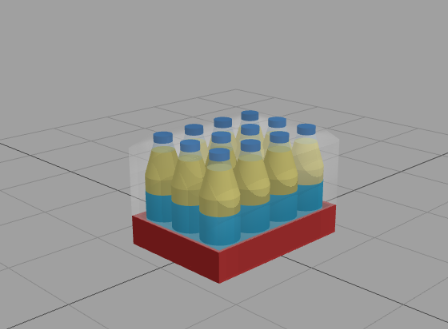 Package Type Bottle Shrink Tray |
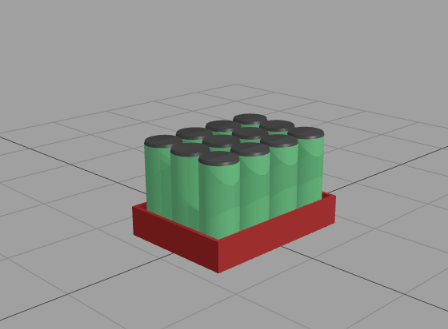 Package Type Can Tray |
Package Master Table
By clicking on any line of the Package Master Table, the corresponding package type is shown as a 3D visualisation below the table.
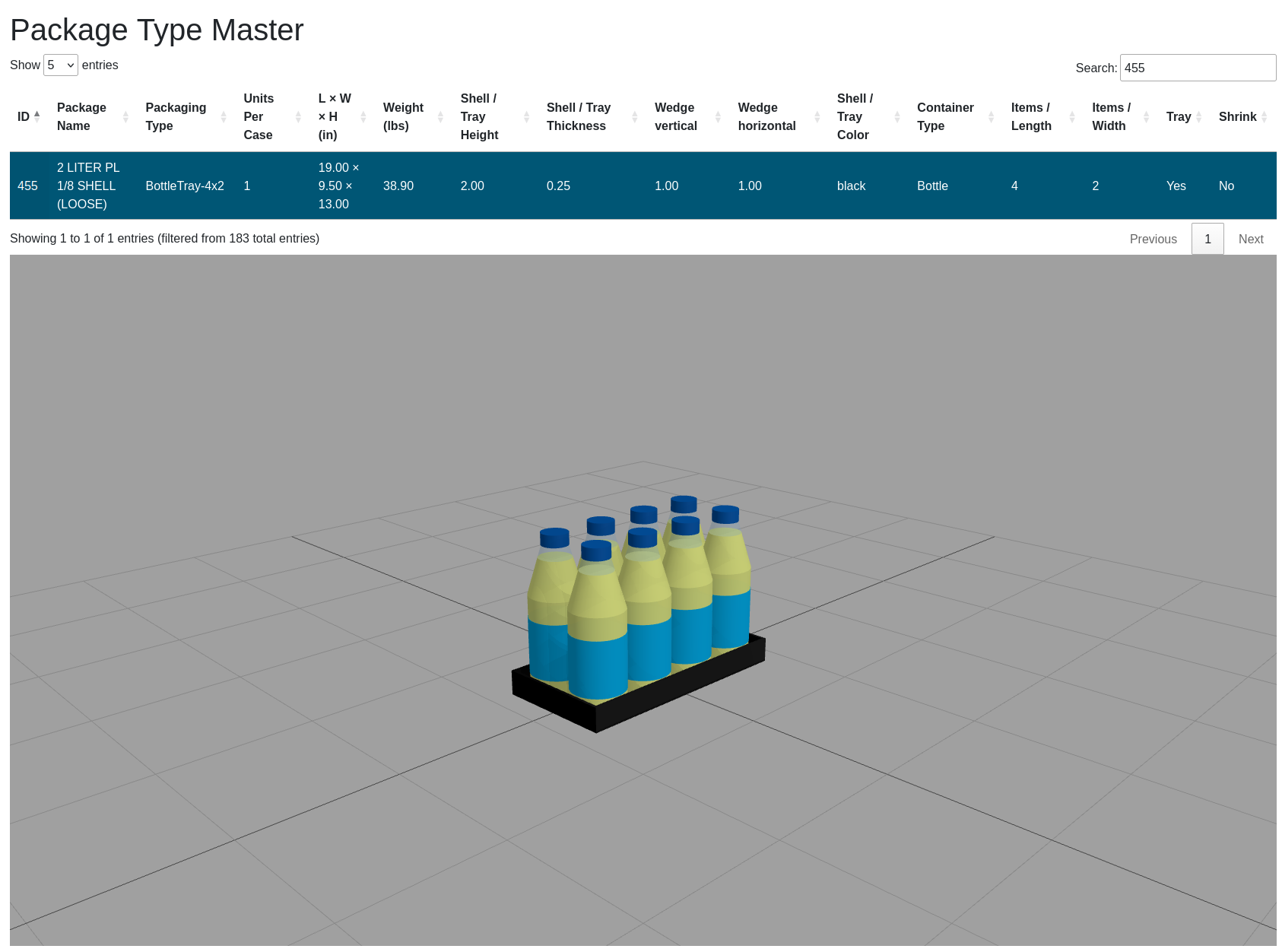
The table displays all parameters of each package type. The following columns are shown:
| Column | Description |
|---|---|
| ID | Unique package identifier |
| Package Name | Package name |
| Packaging Type | Free-text packaging format label |
| Units Per Case | Number of physical units per ordered case |
| L × W × H (in) | Unit length, width and height combined in inches |
| Weight (lbs) | Unit weight in lbs |
| Shell / Tray Height | Shell or tray height in inches |
| Shell / Tray Thickness | Shell or tray thickness in inches |
| Wedge vertical | Vertical wedge reduction in inches |
| Wedge horizontal | Horizontal wedge reduction in inches |
| Shell / Tray Color | Color used for 3D visualisation |
| Container Type | Box, Bottle, or Can |
| Items / Length | Number of containers along the longer package side |
| Items / Width | Number of containers along the shorter package side |
| Tray | Yes / No |
| Shrink | Yes / No |
| Show ... entries | Change this value to display more or fewer records in the table |
| Search | Filter the list by typing any string into this field |
| Showing x to y of z | Indicates which part of the (filtered) list is currently displayed |
| Previous / Next | Page through the list. The current position is shown as "Page n of m" |
Context Sensitive Menu of Package Master Table
With a right-click on any line in the Package Master Table the following context sensitive menu will pop up:
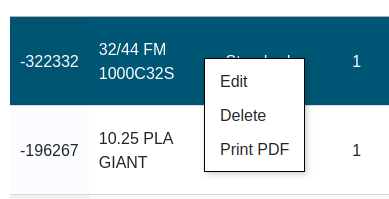
| Menu Item | Description |
|---|---|
| Edit | Opens the Edit Package dialog to change the values of the selected package type |
| Delete | Deletes the selected package type |
| Print PDF | Generates a data sheet PDF for the selected package type (see Print PDF) |
Add Package Type
A new package type can be added via the Add Package Type button in the action bar at the top of the page.
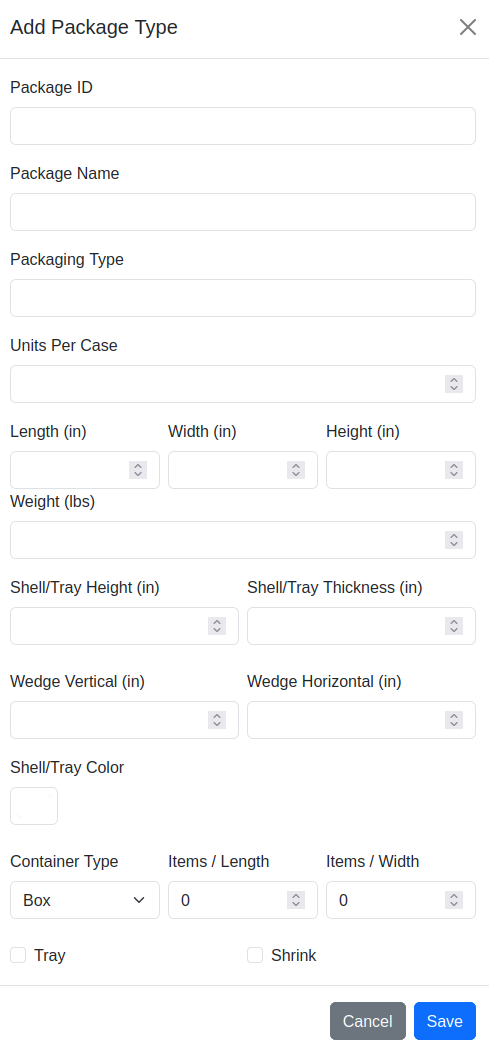
Fill in the fields as described in the parameters table above and confirm with "Save". Use "Cancel" to abort.
Edit Package
An existing package type can be modified via right-click → "Edit" in the Package Master Table, or by double-clicking the corresponding table row.
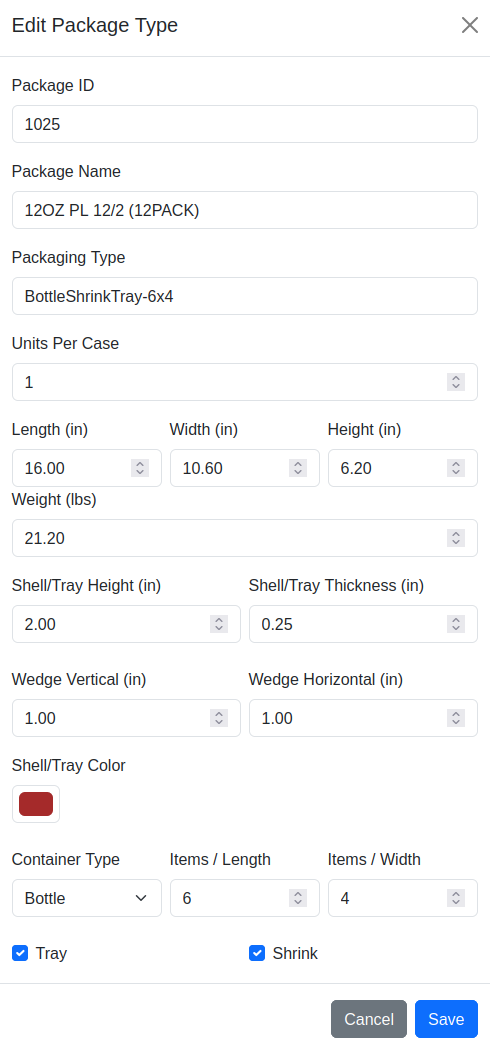
Modify the desired fields and confirm with "Save". Use "Cancel" to abort.
Actions
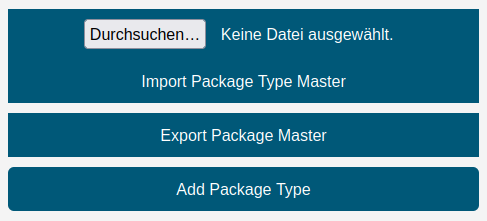
The action bar above the table contains the following controls:
| Control | Description |
|---|---|
| File input | Select an Excel file (.xlsx) to be imported |
| Delete existing data before import | If this switch is enabled, all existing records are deleted before the file is imported. A confirmation dialog must be acknowledged. If the import fails, the previous data is restored automatically. If the switch is off, the imported records are added to / merged with the existing data |
| Import Package Type Master | Imports package types from the selected Excel file |
| Export Package Master | Creates an Excel file with all stored package types and provides it as download |
| Add Package Type | Opens the Add Package Type dialog to create a new package type |
Note: The Import, Add Package Type, Edit, and Delete functions are only available to users with the Editor or Administrator role. Users with read-only access see these controls greyed out and disabled ("Edit permission required").
Note on Excel format: Dimension and weight values in the Excel file are stored as integers multiplied by 100 (e.g. a length of 16 inches is stored as 1600, a weight of 20 lbs as 2000). This applies to all import and export files.
Print PDF
The PDF report is a single-page A4 document containing all relevant information about the selected package type. An example report can be downloaded here: Package-TypeReport_example.pdf